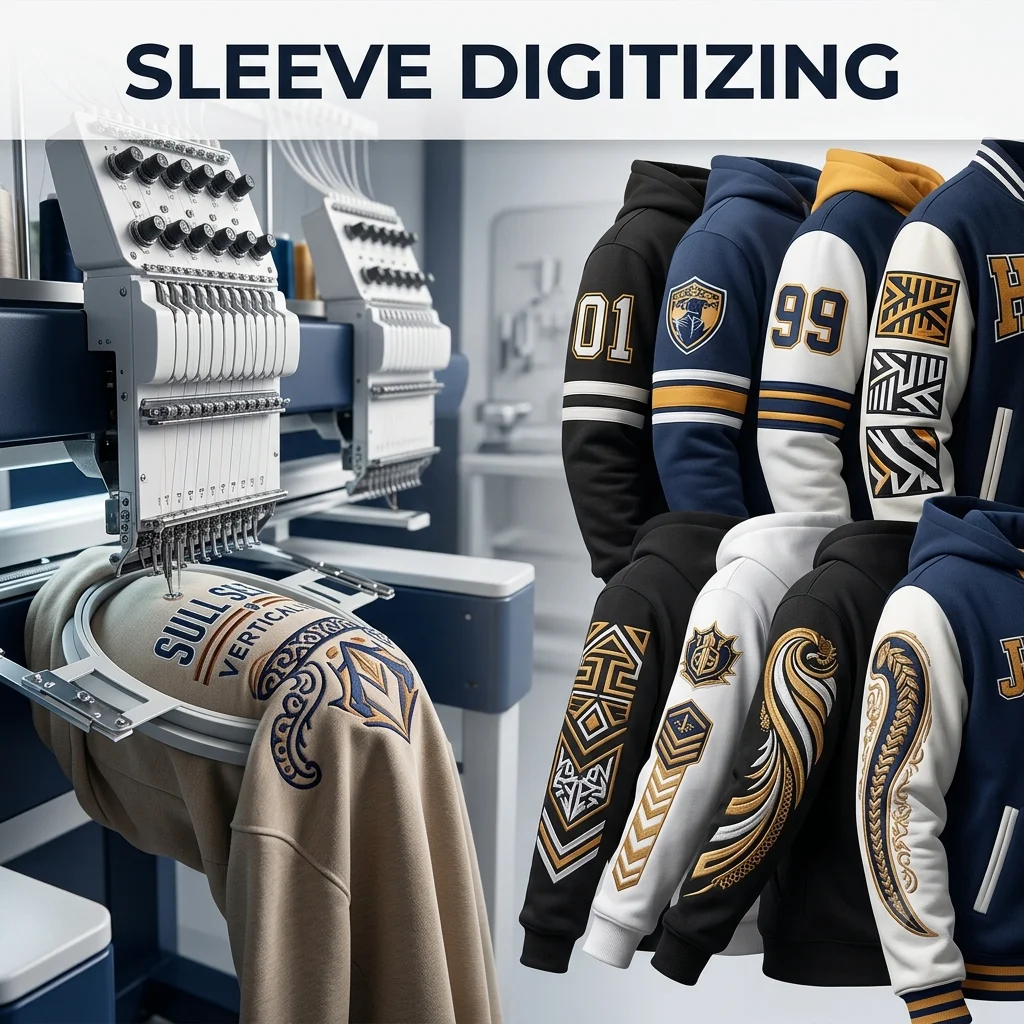
Our premier Embroidery Digitizing service offers expert file optimization tailored for the narrow contours of apparel sleeves. We specialize in engineering stable underlay structures and precise directional paths that counteract fabric stretching and distortion on tubular hoops. By carefully balancing pull compensation and managing high-speed stitch sequences, our service ensures efficient commercial production runs and crisp, long-lasting brand alignment on polos, hoodies, and jackets.
Sleeve logo digitizing is the process of converting artwork into embroidery files specifically optimized for sleeve placement and narrow embroidery areas.
2. Which garments are suitable for sleeve embroidery?
Sleeve embroidery is commonly used on t-shirts, jackets, hoodies, uniforms, polo shirts, and corporate apparel.
3. Can you digitize small detailed sleeve logos?
Yes, we optimize small details carefully to ensure clean stitching and readability on limited sleeve space.
4. What embroidery file formats do you provide?
We provide DST, PES, JEF, EMB, VP3, HUS, and other machine-compatible embroidery formats.
5. Do you offer revisions after delivery?
Yes, we provide revisions to ensure your sleeve logo embroidery file works perfectly on your embroidery machine.
Contact Us Now
Contact Us
Contact
Details
Send in your queries to our team and we will get back to you as soon as possible.